Overview
TaskRely Documentation
How the product works, from the board up.
What is TaskRely?
TaskRely is a project management tool with a performance layer built underneath it. On the surface, it's a Kanban board: you create a project, add tasks, and drag cards across statuses as the work moves. Underneath, every card carries a light trail of data - who did it, how long it took, whether it shipped on time - that turns into performance and workload information without anyone filling out a separate form.
Most tools make you pick one thing: a board for tasks, a spreadsheet for reporting, a separate app for reviews, another one for hours. TaskRely keeps the board, the reporting, the reviews, and the time tracking in the same workspace, built on the same underlying tasks.
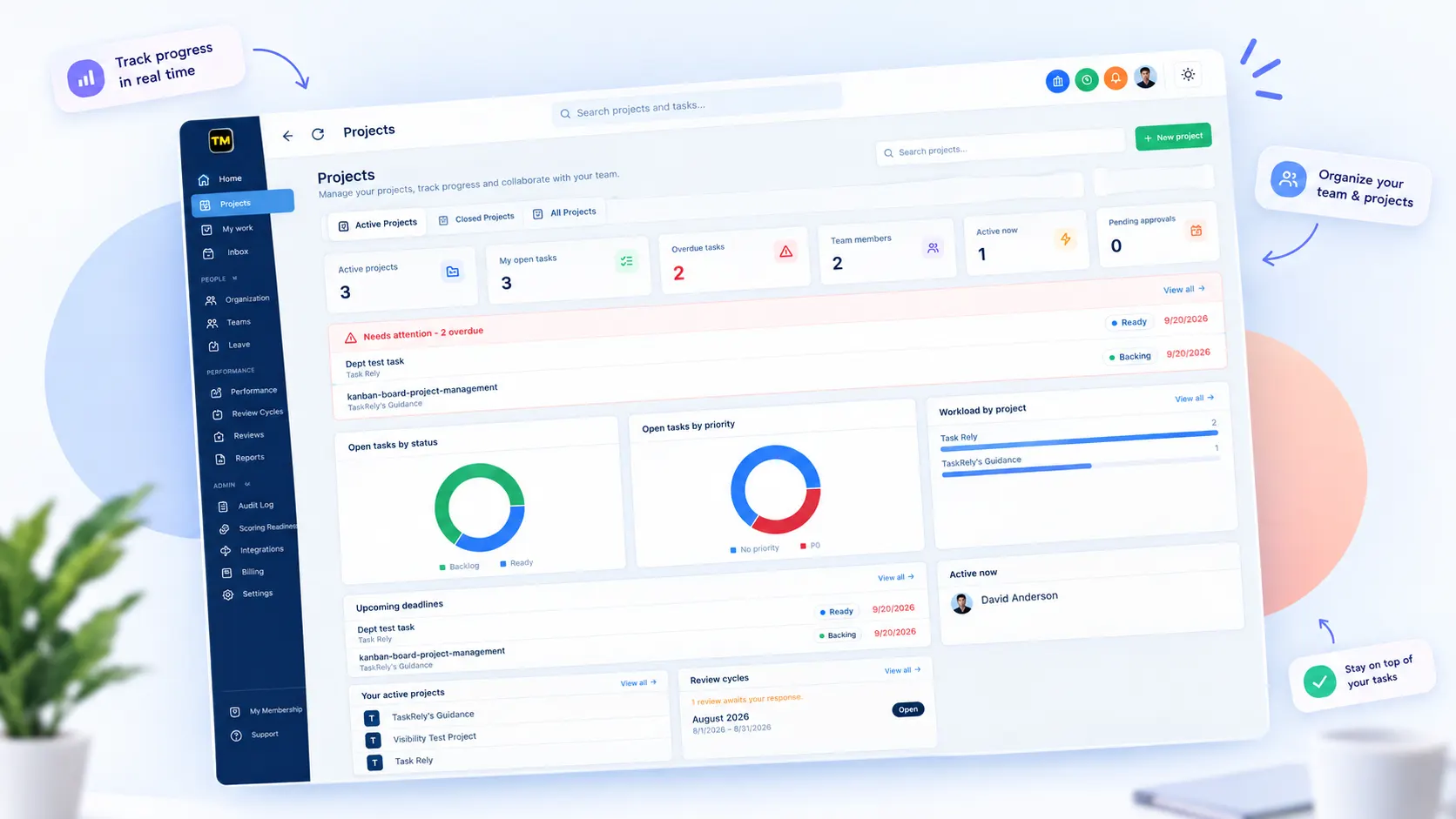
The TaskRely dashboard: a Kanban board with tasks grouped into statuses.
How TaskRely is organized
An organization is the top level - your company or team as a whole. Inside it, people are added as members with one of three roles (admin, manager, or member), and can optionally be grouped into teams for read-only visibility across projects. See Roles & permissions and Teams & project visibility.
A project is where the actual work lives. Each project has its own board, its own statuses, priorities, sizes, and labels, and can be split into departments if a single team needs sub-groups with their own boards. Every task inside a project can carry subtasks, dependencies, comments, and a submission link once it's done.
Time tracking, leave requests, and performance scoring sit alongside all of that rather than in a separate system - they read from the same tasks and the same clock-in data, not a second copy of it.
How these guides are organized
The sidebar groups every guide the way people actually use TaskRely, not by menu order:
- Getting started
- The first two things to set up when a project is brand new.
- Board & task workflow
- The Kanban board itself, plus everything that makes a single task richer - priorities, dependencies, recurring schedules, and proof that it's actually done.
- Ways to see the work
- The same tasks, viewed differently - a table, a calendar, a timeline, a workload chart, or a set of on-page insights.
- Structure & people
- How a project is put together - templates, departments, teams, roles, invites, and who gets to see what.
- Staying in the loop
- What tells you something needs your attention, and where your own assigned work lives.
- Time & attendance
- Clocking in and out, and requesting time off, both feeding the same scoring engine.
- Performance & reviews
- How the automatic score is calculated, what it takes to turn it on, and the formal review process built around it.
- AI assistant
- Connect your own AI provider key and get suggestions right where you work - descriptions, subtasks, summaries, quick add and diagrams.
- Google Drive
- Connect one shared Drive for the organization, then attach files or create Docs and Sheets straight from a task.
Where to start
Brand new here? Create a project first, then set up project settings & access so the right people can see and edit it.
Already running a project day to day? The Kanban board and List view cover the basics of moving work through it.
Rolling out performance tracking for your team? Read How scoring works first, then check the scoring readiness checklist before turning it on.